Transform Your Drive: Instant Wireless CarPlay & Android Auto with RoadyCast Wireless Carplay Adapter
Cut the cord and enjoy seamless connectivity. RoadyCast delivers instant wireless CarPlay and Android Auto with lag-free streaming, voice-controlled navigation, and automatic reconnection—transforming every journey into a cleaner, smarter driving experience.
Experience Cable-Free Convenience and Seamless Connectivity with RoadyCast Wireless Carplay Adapter
Tired of Tangled Charging Cables?
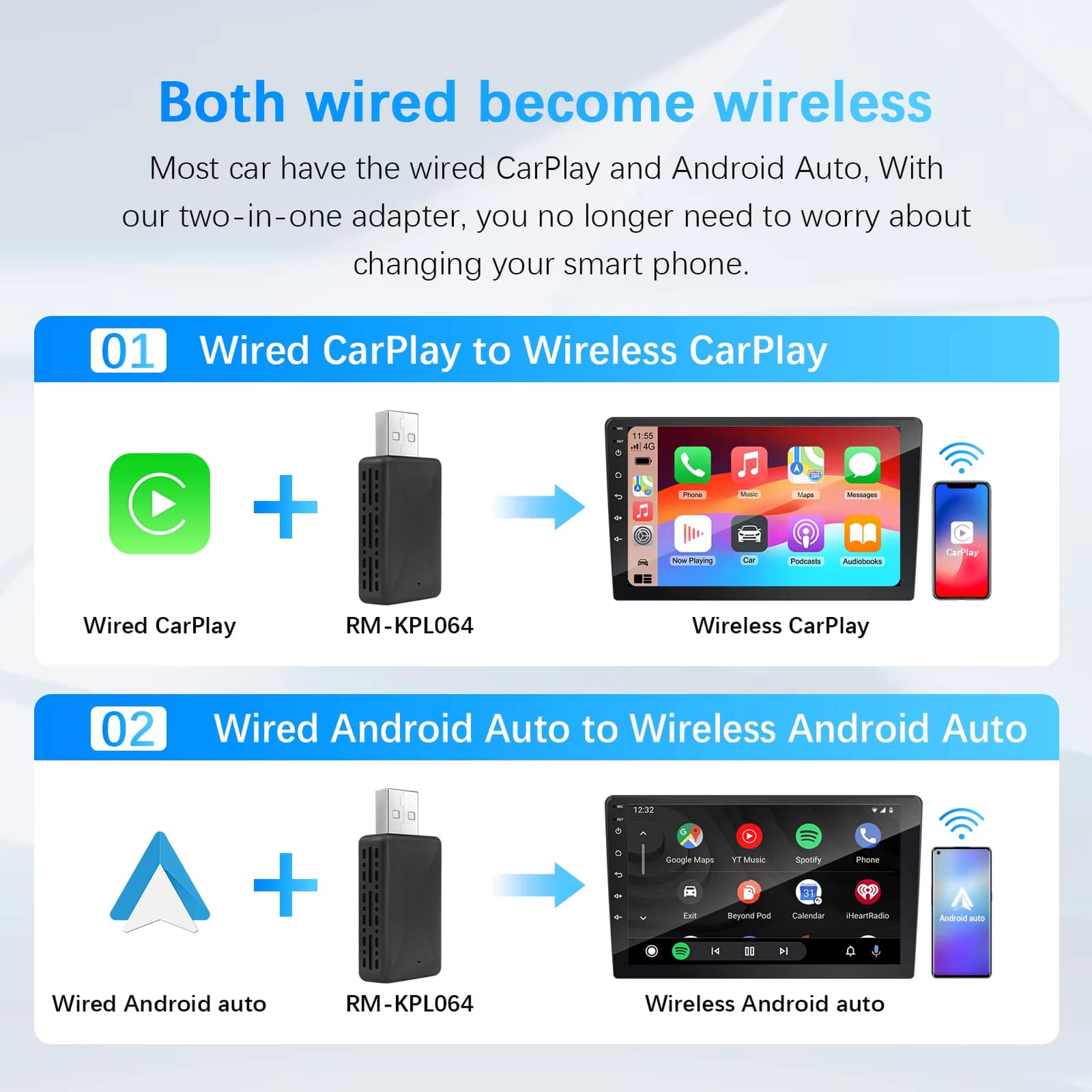
RoadyCast Wireless Carplay Adapter converts factory-wired systems into seamless wireless connections. Enjoy clutter-free dashboards and pocket-friendly convenience whilst the adapter auto-connects each start for instant maps, music, and hands-free calls without fumbling for cables.
Worried About Laggy Navigation Responses?
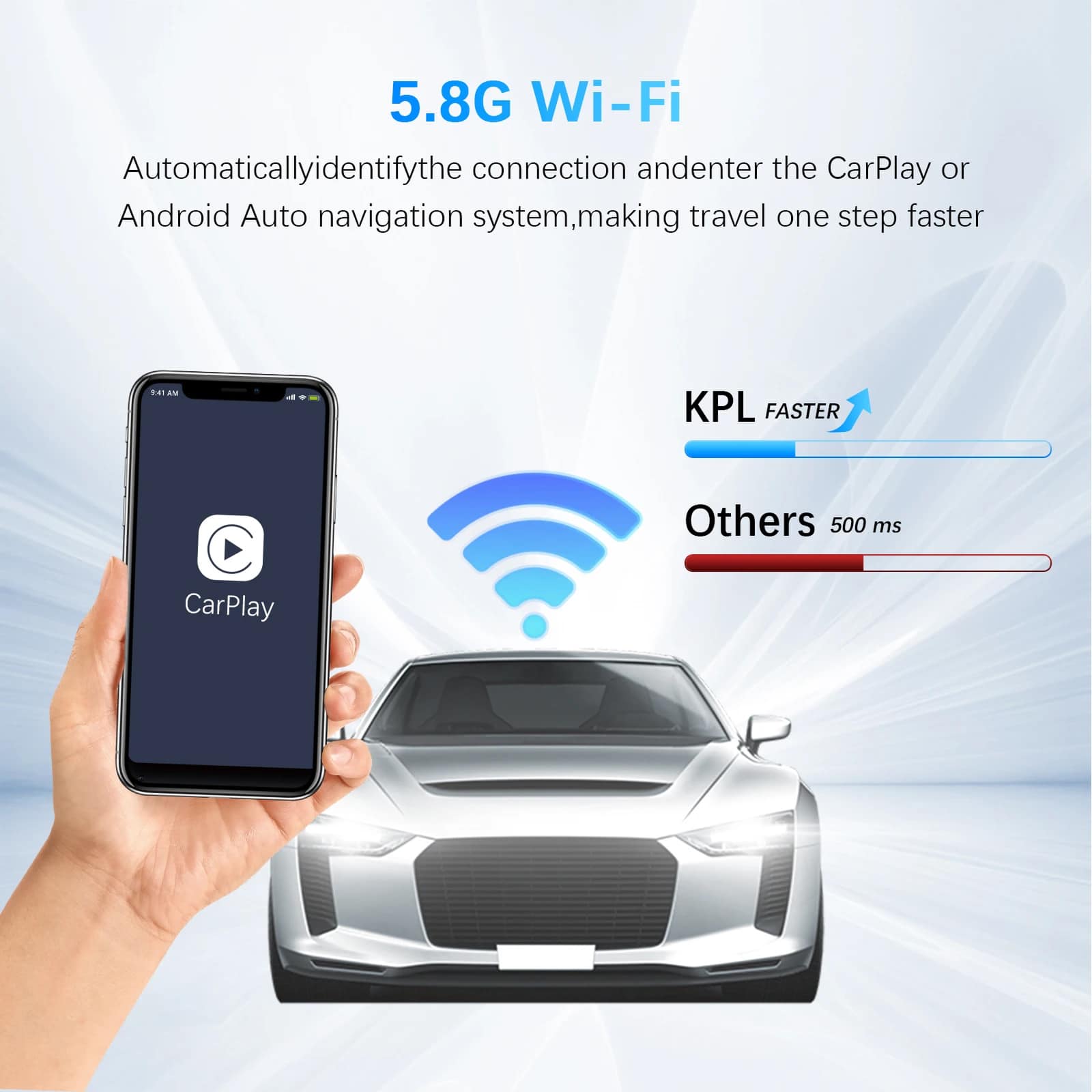
Powered by 5.8GHz Wi-Fi plus Bluetooth 5.0, RoadyCast Wireless Carplay Adapter eliminates latency for crystal-clear calls, responsive navigation, and smooth music streaming—even in weak-signal areas—keeping your guidance and playlists perfectly synchronised throughout every journey.
Looking for Universal Vehicle Compatibility?
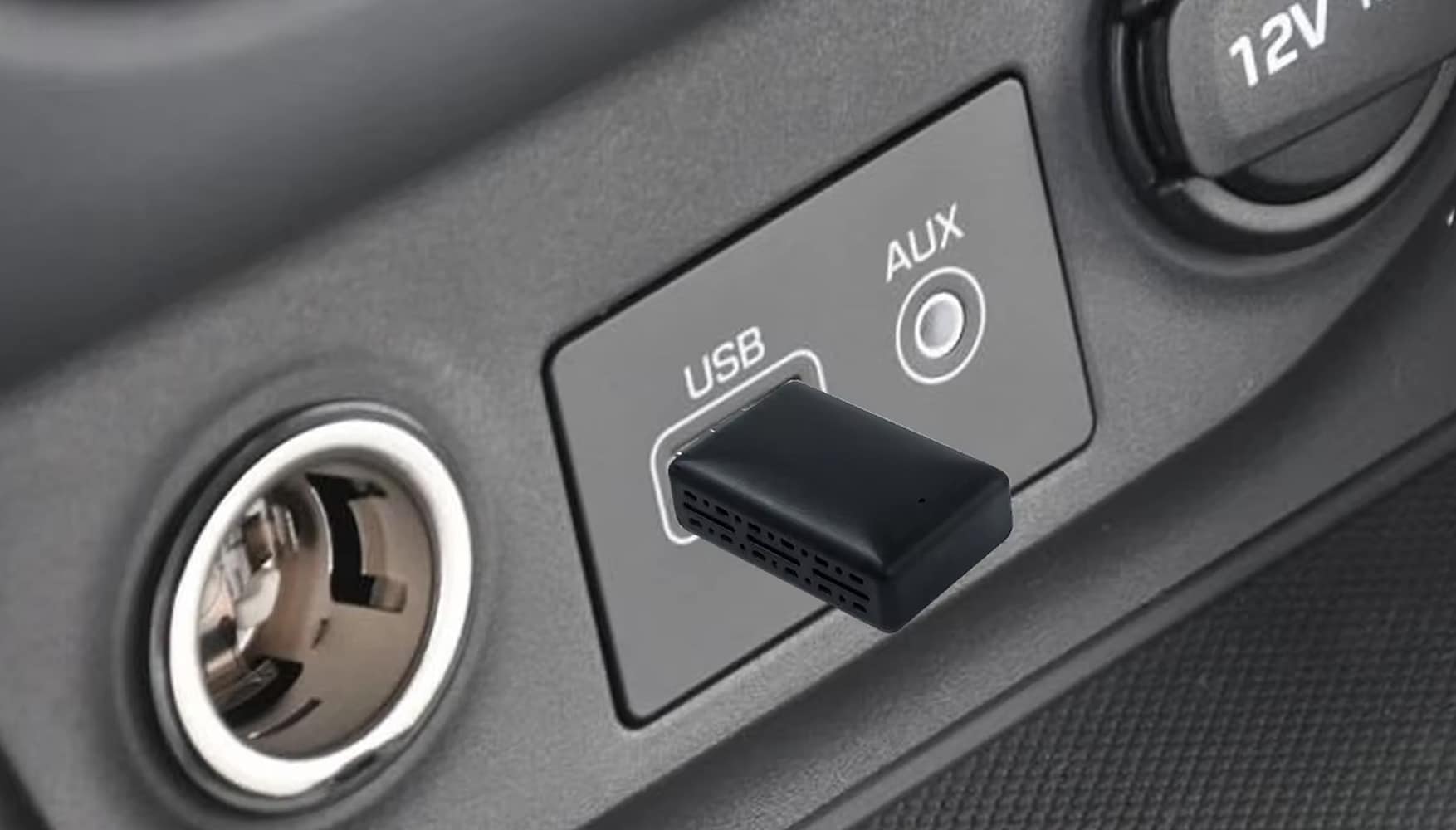
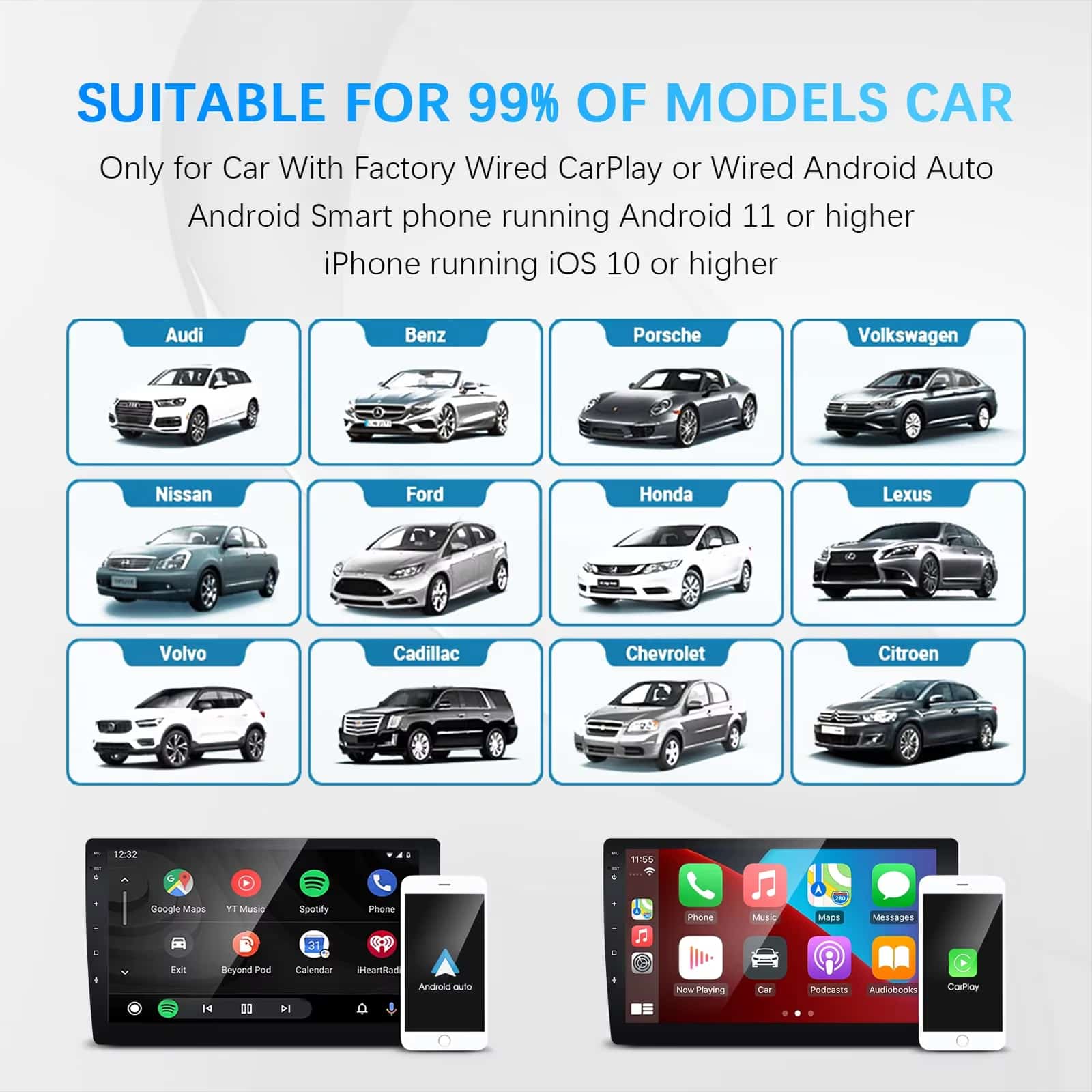
If your head unit supports wired CarPlay or Android Auto, RoadyCast Wireless Carplay Adapter simply plugs into the USB port and works flawlessly with most OEM systems from Toyota, Honda, BMW, Ford, Mercedes, and more—no modifications required.
Over 50,000 Drivers Loving RoadyCast Wireless Carplay Adapter
4.6 rating based on total orders
Compact Power, Effortless Control, and Travel-Ready Convenience in Every Drive
A mini body conceals advanced firmware with OTA updates, voice-assistant support, and native steering-wheel control. RoadyCast streamlines your cabin, saves valuable time, and fits discreetly into any USB port.
RoadyCast delivers exceptional build quality and reliable performance. The 5.8GHz connection ensures minimal latency whilst the compact design integrates seamlessly into any vehicle interior without compromising functionality or aesthetics.
Why Choose RoadyCast Wireless Carplay Adapter for Your Vehicle Upgrade
RoadyCast FEATURES ALL YOU EXPECT:
DUAL-SYSTEM SUPPORT
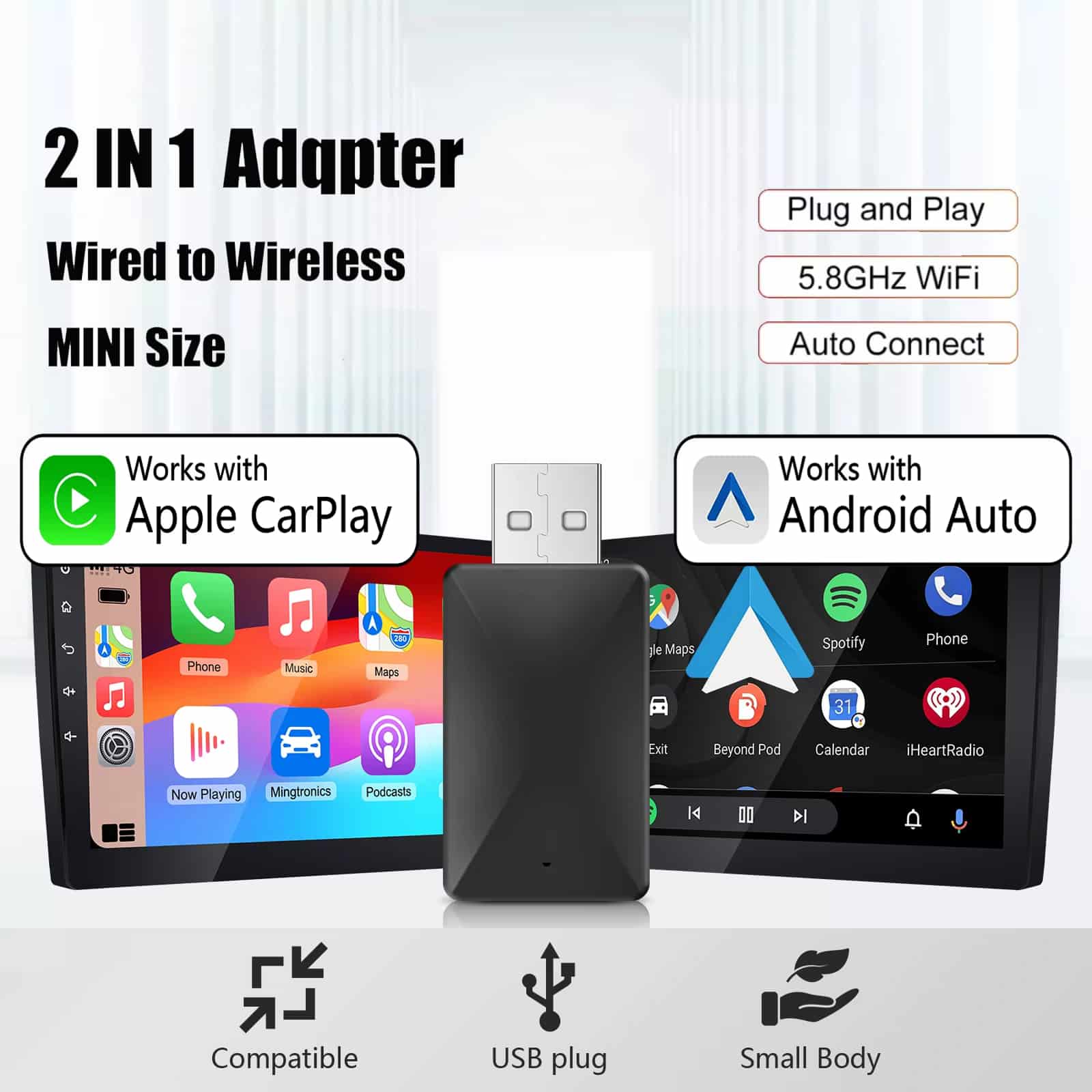
RoadyCast handles both CarPlay and Android Auto wirelessly, perfect for mixed-device households or shared vehicles, eliminating separate dongles and ensuring anyone can connect instantly without swapping hardware or reconfiguring settings.
TRUE PLUG-AND-PLAY
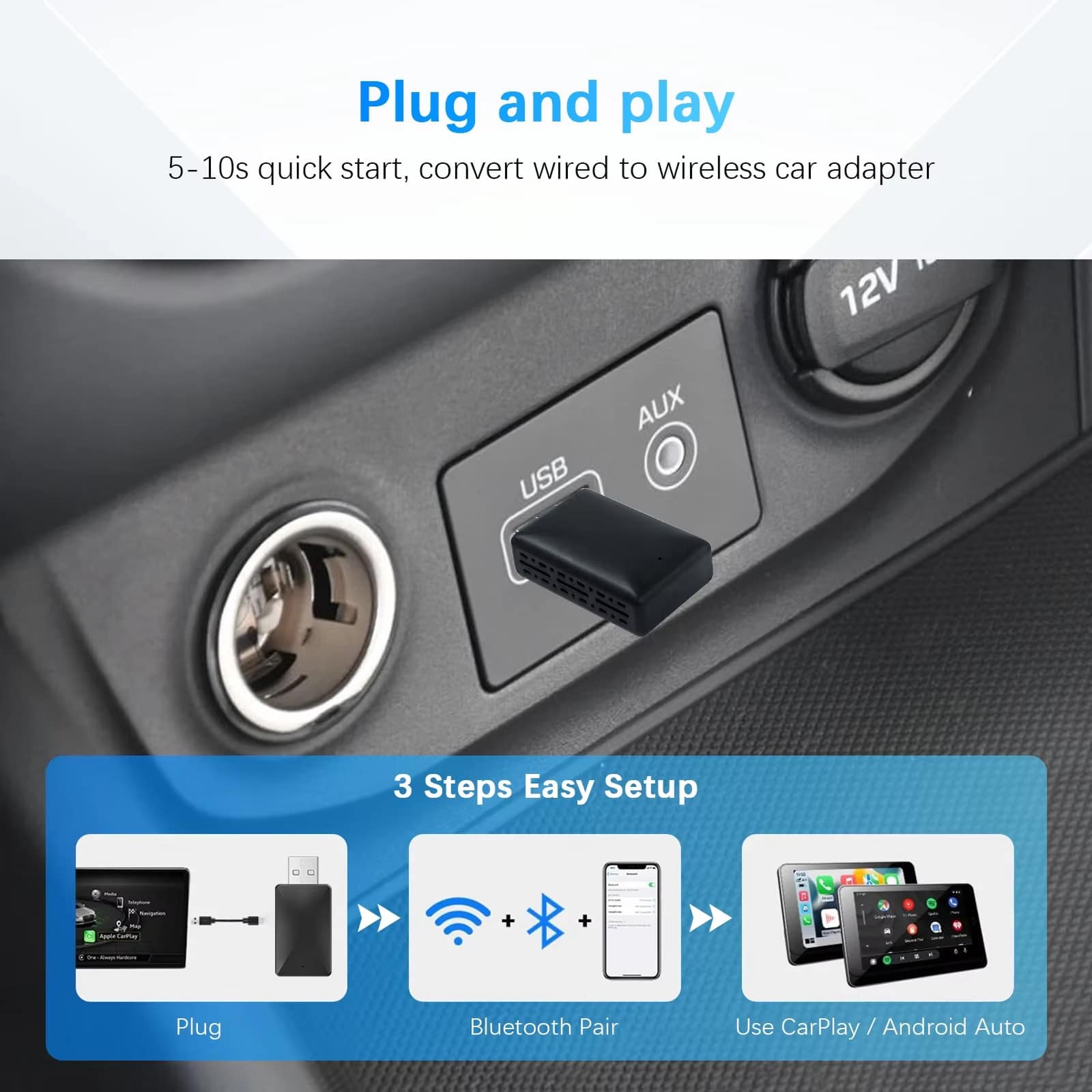
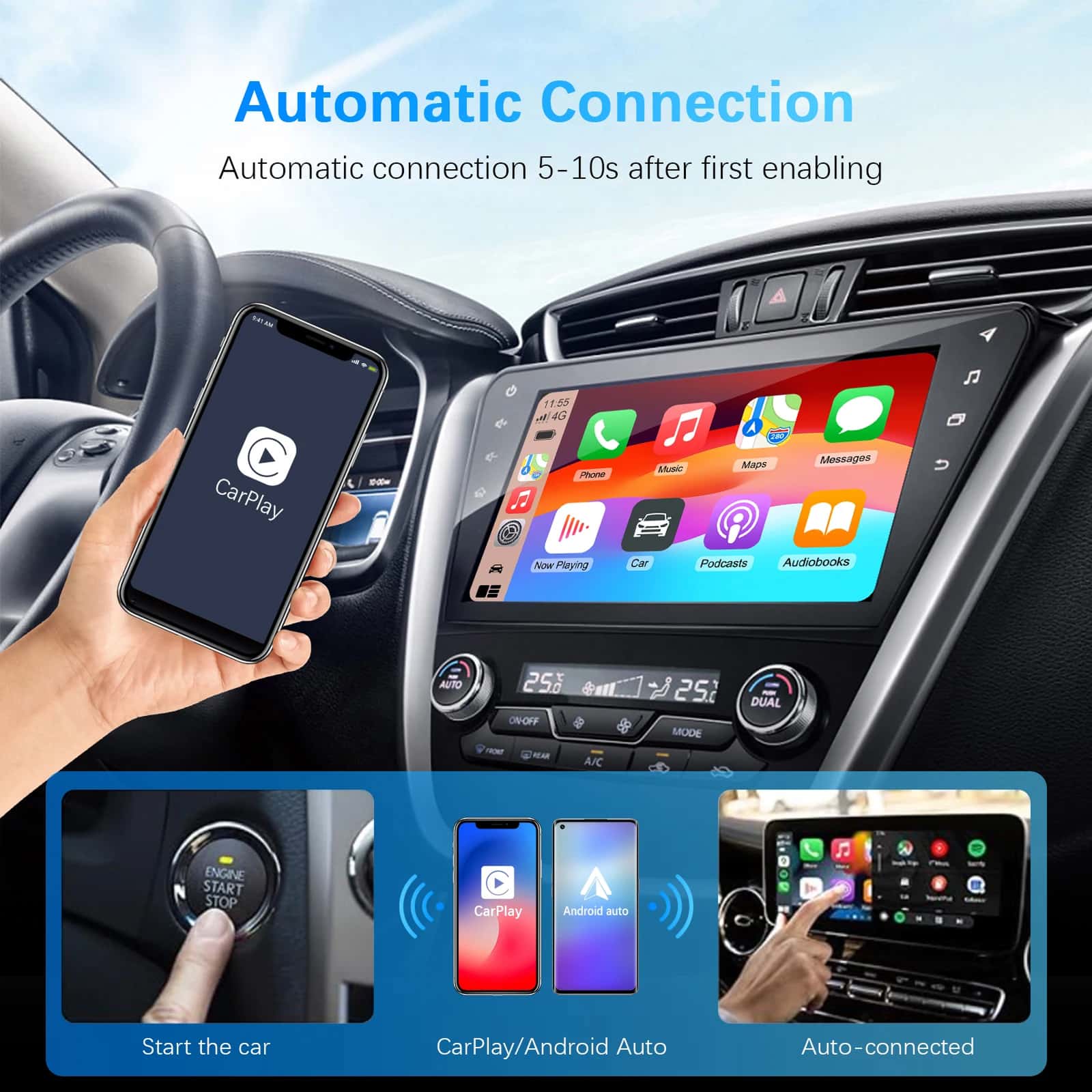
No apps, no coding, no dealer visit required. Simply plug RoadyCast into your head unit’s USB port, pair once via Bluetooth, and it remembers your phone—reconnecting automatically on future drives within seconds.
OTA UPGRADABILITY
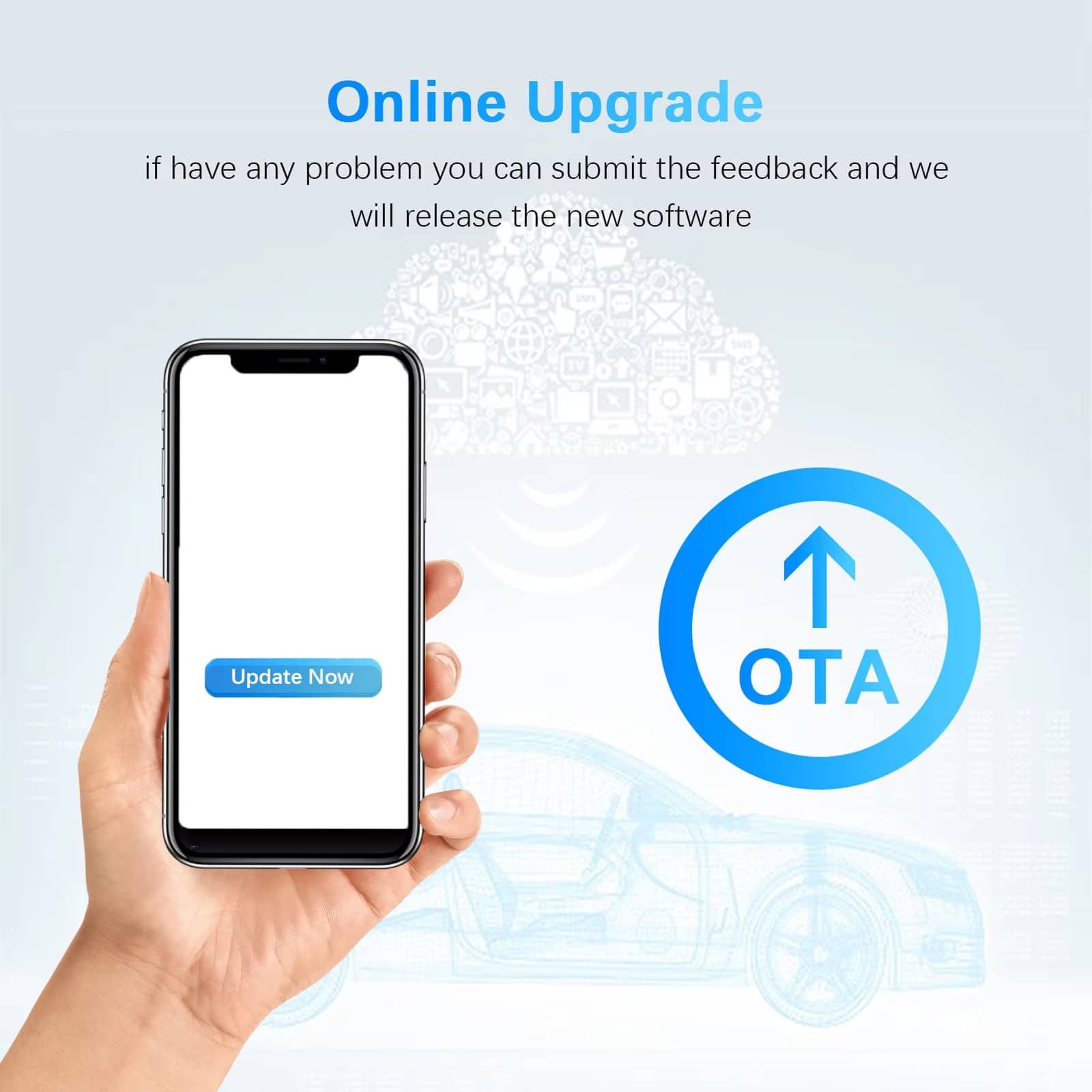
Firmware updates deliver feature improvements and broader compatibility over time. With RoadyCast, your adapter becomes smarter, ensuring smooth performance across new phone models and head units as technology evolves and advances.
ULTRA-LOW LATENCY
The 5.8GHz Wi-Fi pipeline with Bluetooth pairing reduces lag for snappy map refreshes, responsive button presses, and clearer calls—so navigation instructions, music tracks, and touchscreen taps arrive precisely when expected.
MINI, DISCREET DESIGN
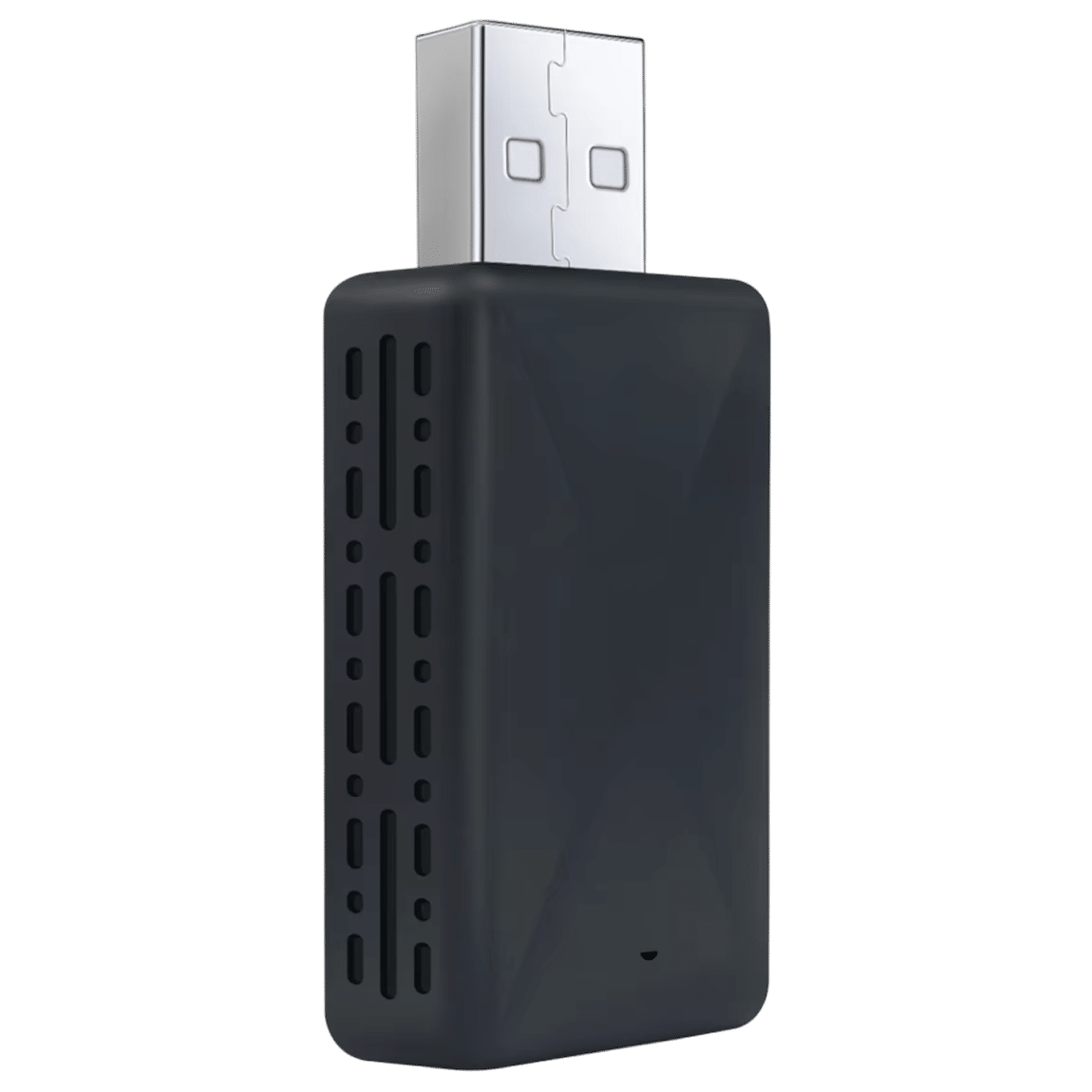
A compact, lightweight body blends seamlessly into the cabin, freeing your console from cable clutter. RoadyCast maintains a tidy interior whilst leaving other ports and storage areas fully accessible for additional devices.
BROAD VEHICLE COMPATIBILITY
Works with most OEM systems already supporting wired CarPlay or Android Auto—from sedans to SUVs and trucks—so you upgrade your driving experience without replacing the screen, stereo, or undertaking expensive modifications.
IMAGE GALLERY
What’s Included in Your RoadyCast?
RoadyCast Wireless Carplay Adapter
USB Cable
User Manual
24/7 Customer Support
We understand the value of your time. That’s why our team is trained to respond promptly and efficiently, ensuring your queries and issues are addressed without unnecessary delays.
MEET THE RoadyCast
Frequently Asked Questions
−Will it work in my car?
If your infotainment already supports wired CarPlay or Android Auto via USB, RoadyCast will typically work. Simply plug in, pair once, and you're set for seamless wireless connectivity.
+How long does setup take?
About a minute: plug RoadyCast into USB, pair via Bluetooth, then it switches to Wi-Fi. Future starts auto-connect in just 5–10 seconds for immediate access.
+Does it support voice assistants?
Yes. Use Siri or Google Assistant for calls, messages, music, and navigation—hands-free through your car's microphone and speakers with full voice-command functionality.
+Is audio delay noticeable with music or calls?
Latency is minimised by 5.8GHz Wi-Fi. Music feels immediate and calls remain clear, with lip-sync suitable for navigation prompts, podcasts, and real-time audio streaming.
+Can I still use steering-wheel buttons?
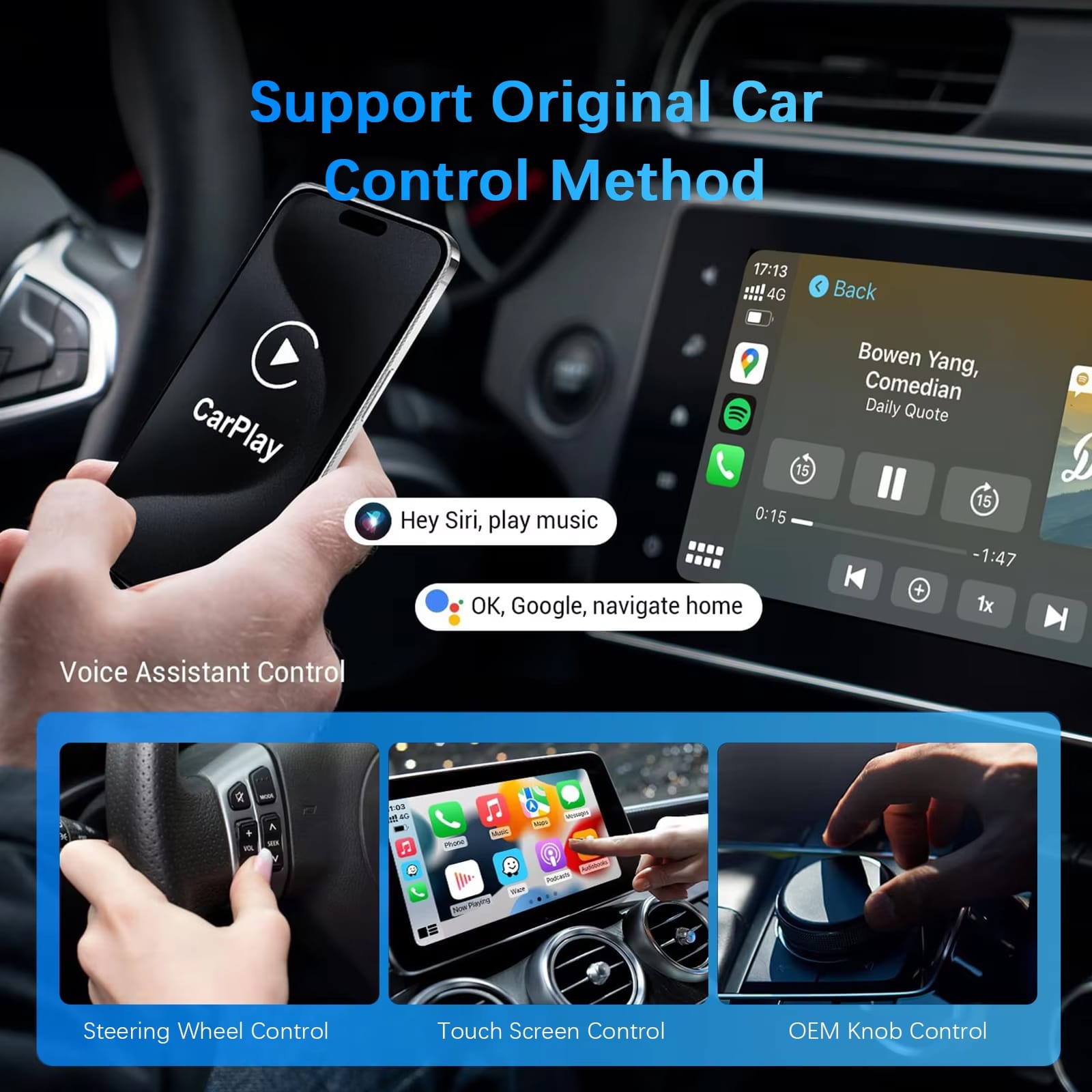
Absolutely. RoadyCast preserves OEM controls, including steering-wheel buttons, touchscreen gestures, and rotary knobs, maintaining your familiar driving interface without compromise.
+Will it drain my phone battery faster?
Wireless use draws more power than wired, but most users find it manageable. If needed, charge from another USB port or wireless charging pad simultaneously.
+How many phones can it remember?
Multiple devices. It auto-connects the last used device first. You can switch by disconnecting the active phone and pairing another through standard Bluetooth settings.
+Do I need to install an app?
No app required. All pairing and updates run through the standard CarPlay or Android Auto workflow and RoadyCast's built-in OTA process for hassle-free operation.
TOP #1 FAVORITE Wireless Carplay Adapter
Trusted By Thousands Of Satisfied Customers
Sarah Thompson
Absolutely brilliant! RoadyCast transformed my daily commute. No more cable mess and it connects instantly every time. Maps and music work flawlessly—best car upgrade I’ve made.
VERIFIED BUYER
David Richardson
Sceptical at first, but RoadyCast exceeded expectations. Setup took seconds, audio quality is excellent, and steering-wheel controls still work perfectly. Highly recommended for any vehicle.
VERIFIED BUYER
Emily Watson
Game-changer for our family car. Both iPhone and Android connect seamlessly. The wireless freedom is fantastic and it’s so compact you barely notice it’s there.